



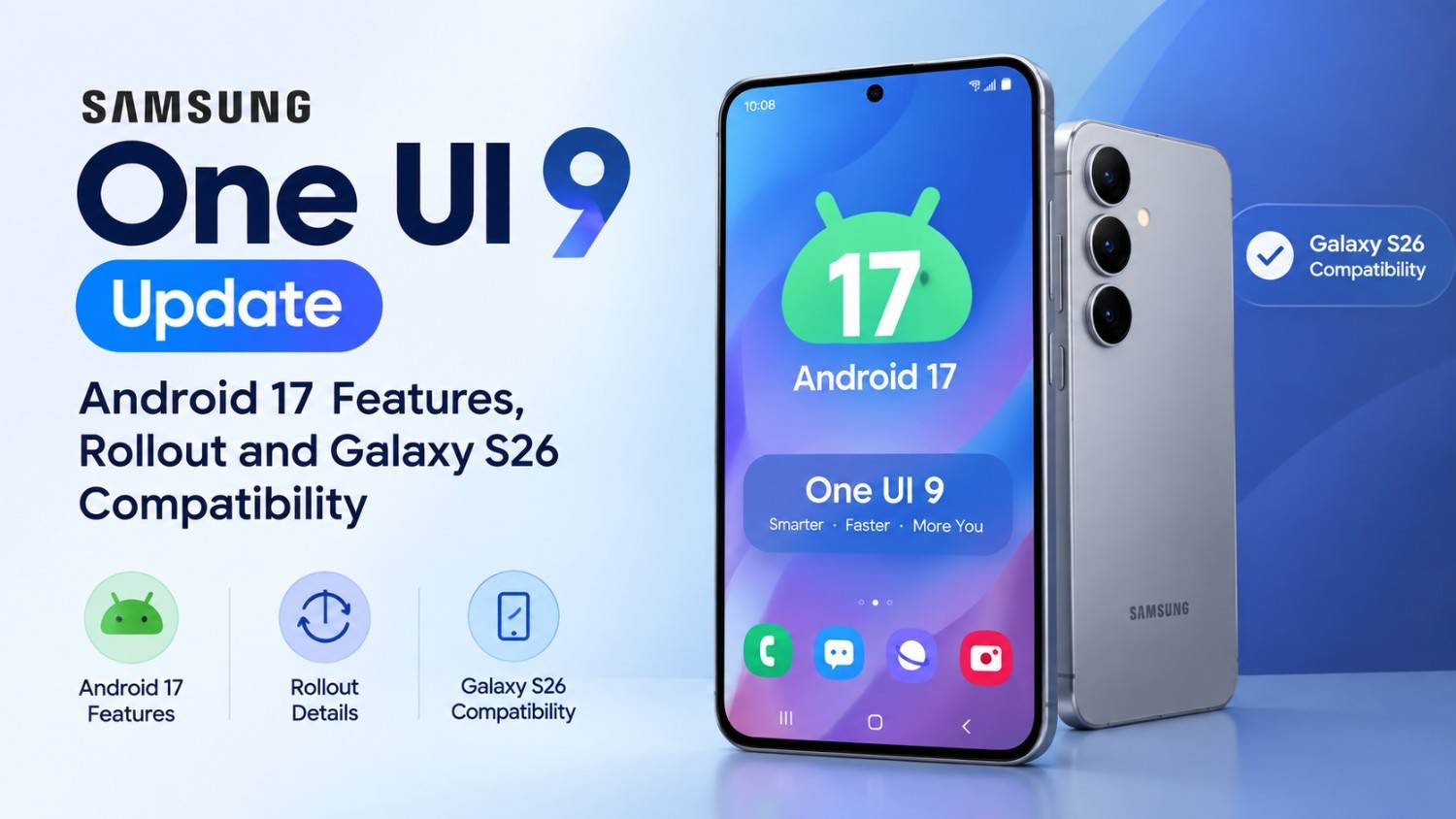
Samsung has officially started rolling out One UI 9, its Android 17-based software update, to the Galaxy S26, Galaxy S26+ and Galaxy S26 Ultra. The rollout began on September 16, 2026, following the software’s earlier debut on Samsung’s latest foldable devices. One UI 9 focuses heavily on Galaxy AI, personalization, productivity, privacy and device management.
The update introduces features such as My FanCam, Now Nudge, Generative and Editable Cards in Now Brief, Creative Studio improvements, enhanced Interpreter, Document Scan, structured Voice Recorder summaries, Privacy Alerts and Scam Detection. However, Samsung notes that feature availability can vary by device, country, language, carrier and app.
One UI 9 at a glance
| Feature | Details |
| Operating system | Android 17 |
| Samsung interface | One UI 9 |
| Initial Galaxy rollout | Galaxy S26, S26+, S26 Ultra |
| Rollout started | September 16, 2026 |
| Major focus | Galaxy AI, personalization, productivity and security |
| Key new features | My FanCam, Now Nudge, Creative Studio, Privacy Alerts |
| Earlier devices with One UI 9 | Galaxy Z Fold8 Ultra, Z Fold8 and Z Flip8 |
| Availability | Varies by market, device, language and app |
What is One UI 9?
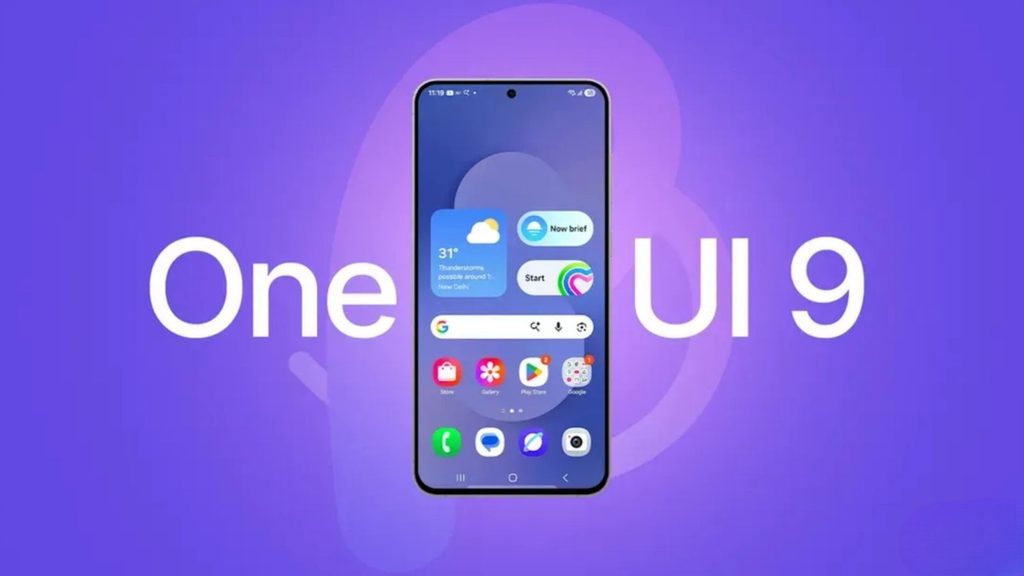
One UI 9 is Samsung’s Android 17-based user interface update for Galaxy devices. It combines Android 17 with Samsung’s own interface, Galaxy AI features, customization tools, productivity improvements and additional security controls.
Samsung announced the official expansion of One UI 9 on September 16, 2026, with the Galaxy S26 series among the first smartphones receiving the update. The company says the update is designed to make Galaxy experiences more seamless while making AI features more useful for everyday tasks.
Unlike a simple visual refresh, One UI 9 focuses on how users interact with information and complete everyday tasks. Several features are designed to understand context and provide suggestions without requiring users to manually switch between applications.
When did Samsung release One UI 9?
Samsung began the official One UI 9 rollout on September 16, 2026, starting with the Galaxy S26, Galaxy S26+ and Galaxy S26 Ultra.
One UI 9 had already debuted on the Galaxy Z Fold8 Ultra, Galaxy Z Fold8 and Galaxy Z Flip8 before Samsung announced its expansion to the Galaxy S26 series. Samsung says the update will gradually reach additional Galaxy devices.
This means the exact date on which an individual Galaxy phone receives One UI 9 can differ depending on the model, market, carrier and software rollout schedule.
What are the biggest new One UI 9 features?
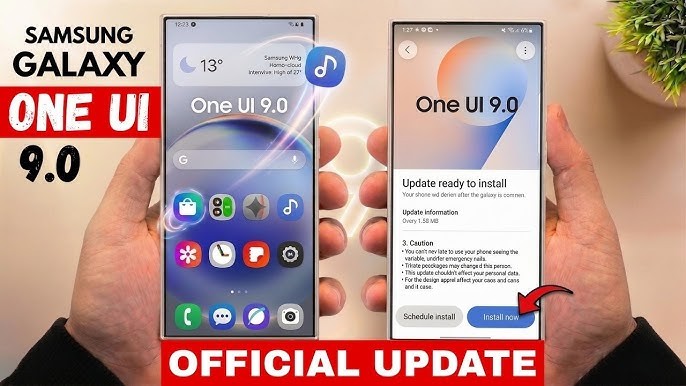
The most notable One UI 9 additions include My FanCam, Now Nudge, Generative and Editable Cards, Creative Studio enhancements, Interpreter improvements, Document Scan improvements, structured Voice Recorder summaries and new privacy and security features.
Let’s look at the major features individually.
1. My FanCam keeps your chosen subject in focus
My FanCam is a new One UI 9 feature that can automatically track a selected person in a recorded video and keep them centered in the frame.
Instead of manually cropping and repositioning video footage, the feature intelligently reframes the recording as the selected person moves.
This could be useful for:
- Children’s performances
- Sports videos
- Dance performances
- Parties and events
- Social media videos
- Family recordings
Samsung says the feature is intended to make dynamic footage easier to turn into shareable content with less manual editing. It requires a Samsung Account, and results can vary depending on the video and whether a suitable subject can be tracked.
2. Now Brief gets Generative and Editable Cards
Samsung is also expanding Now Brief with new Generative and Editable Cards.
These cards allow users to customize the information included in their daily summaries. Samsung specifically highlights categories such as health, weather and video.
The goal is to make Now Brief more personalized rather than presenting exactly the same information to every user.
Samsung notes that Now Brief requires a Samsung Account and that availability can vary depending on the country, language, device and application.
3. What is Nudge in One UI 9?
Now Nudge provides context-aware suggestions that can help users complete tasks without leaving their current activity.
For example, Samsung describes a scenario where someone is discussing plans through text. Now Nudge can surface relevant reservation information or allow the user to save a shared location without requiring them to completely leave the conversation.
This is one of the areas where Samsung is positioning Galaxy AI as an assistant for completing tasks rather than simply generating text or images.
4. Creative Studio gets smarter suggestions
Creative Studio receives another AI-focused improvement in One UI 9.
Samsung says Creative Studio can suggest image-generation ideas based on relevant upcoming events. For example, an upcoming birthday could trigger an idea for creating a themed image or greeting.
This makes the feature more context-driven because users do not necessarily have to start with a completely blank prompt.
5. Interpreter gets Thread View
Samsung’s Interpreter feature is also getting an improvement in One UI 9.
A new Thread View allows users to refer back to earlier parts of translated conversations. Samsung also says Conversation Mode translation is faster, while compatible Galaxy Buds can provide quicker playback.
This could be particularly useful during longer multilingual conversations where understanding the previous context is just as important as translating the current sentence.
6. Document Scan makes difficult documents easier to digitize
One UI 9 also improves Document Scan.
According to Samsung, the feature can now handle more challenging material such as:
- Curved book pages
- Folded corners
- Documents that are difficult to position flat
The company also highlights large-screen optimization on compatible Galaxy devices and an improved Finger Eraser for cleaning up scans.
For students, professionals and people who regularly digitize paperwork, this can make a smartphone more useful as a portable scanning tool.
7. Voice Recorder gets more structured summaries
The Voice Recorder experience is also being updated.
Samsung says One UI 9 can present Voice Recorder summaries in a clearer structure using elements such as headings and tables, making longer recordings easier to review.
This could be useful for:
- Meetings
- Interviews
- Lectures
- Personal notes
- Brainstorming sessions
The practical benefit is less time spent going through a long recording to locate the important information.
What security features does One UI 9 introduce?
Samsung is putting considerable emphasis on security and privacy in One UI 9.
Security Brief
Security Brief brings important security and privacy information into Now Brief. Samsung says it can highlight issues such as malware, apps installed from unknown sources and unnecessary permissions.
Privacy Alerts
Privacy Alerts use on-device AI to identify potential privacy risks, including unnecessary attempts by applications to access permissions in the background.
Samsung currently lists Privacy Alerts as supported on several Galaxy smartphones, tablets and foldables, although availability can vary.
Scam Detection
Samsung is also expanding Scam Detection to additional countries and languages.
Importantly for Indian users, Samsung specifically lists India among the countries where Scam Detection will be available. Availability can still depend on the device, language and One UI/OS version.
Which Galaxy phones are getting One UI 9?
The official rollout announced on September 16 began with:
- Samsung Galaxy S26
- Samsung Galaxy S26+
- Samsung Galaxy S26 Ultra
Samsung also confirms that One UI 9 had already been rolled out to:
- Galaxy Z Fold8 Ultra
- Galaxy Z Fold8
- Galaxy Z Flip8
Samsung says One UI 9 will gradually roll out to additional Galaxy devices.
Because Samsung has not provided one universal release date for every Galaxy device and every market, users should check their device’s software-update section rather than assuming that the same date applies to every model.
How do you update a Galaxy phone to One UI 9?
If One UI 9 has been released for your particular device and region, you can check for the update through your phone’s software-update settings.
General steps:
- Open Settings.
- Go to Software update.
- Select Download and install.
- Allow the phone to check for available updates.
- If One UI 9 is available, follow the on-screen instructions.
- Keep the phone sufficiently charged during installation.
The exact menu wording can vary by device and software version.
Tip: Before a major software update, back up important photos, documents and other data.
Is One UI 9 based on Android 17?
Yes. One UI 9 is based on Android 17. Samsung’s May 2026 One UI 9 beta announcement described the software as being built on Android 17, and its September 2026 announcement confirms the official One UI 9 rollout.
This makes One UI 9 both a Samsung interface update and an important Android platform upgrade for compatible Galaxy devices.
One UI 9 vs One UI 8: What’s different?
| Area | One UI 8 | One UI 9 |
| Android base | Previous Android generation | Android 17 |
| Galaxy AI | AI-focused features | Expanded contextual AI |
| Video | Existing editing tools | My FanCam |
| Daily information | Now Brief | More customizable Generative & Editable Cards |
| Contextual assistance | Existing AI features | Now Nudge |
| Translation | Interpreter | Thread View and faster experiences |
| Scanning | Existing Document Scan | Improved handling of difficult documents |
| Recording | Voice Recorder | More structured summaries |
| Privacy | Existing security controls | Privacy Alerts and expanded Security Brief |
The table describes Samsung’s announced One UI 9 additions rather than suggesting that every feature is exclusive to One UI 9 across every Galaxy model.
What does One UI 9 mean for Galaxy S26 users?
For Galaxy S26 owners, One UI 9 is more than an interface refresh. The update brings several AI-driven features directly into everyday functions such as video recording, messaging, translation, scanning and voice recording.
The Galaxy S26, S26+ and S26 Ultra are among the first phones receiving the stable rollout, giving their users access to the latest Samsung software experience.
However, users should remember that Samsung’s AI features aren’t necessarily identical across all countries and devices. Some require a Samsung Account, an internet connection or specific supported applications, and Samsung explicitly warns that availability and accuracy can vary.
Frequently Asked Questions
Is One UI 9 Android 17?
Yes. Samsung’s One UI 9 is based on Android 17.
When did One UI 9 officially release?
Samsung began the official One UI 9 rollout on September 16, 2026, initially for the Galaxy S26, Galaxy S26+ and Galaxy S26 Ultra.
The Galaxy S26, S26+ and S26 Ultra are part of the initial rollout. Samsung also confirms that One UI 9 has already reached the Galaxy Z Fold8 Ultra, Z Fold8 and Z Flip8.
What is the biggest new feature in One UI 9?
One UI 9 introduces several major features rather than one single headline feature. My FanCam, Now Nudge, customizable Now Brief cards, Creative Studio improvements and enhanced privacy tools are among the key additions announced by Samsung.
Does One UI 9 include Galaxy AI?
Yes. Galaxy AI is a major part of One UI 9, with new and expanded capabilities across video, productivity, translation, creative tools and contextual assistance.
Will One UI 9 be available on older Samsung phones?
Samsung says One UI 9 will gradually roll out to additional Galaxy devices. The exact availability depends on the model and market, so users should check Samsung’s official update information for their specific device.
Is One UI 9 available in India?
Samsung’s official announcement specifically identifies India as one of the countries where Scam Detection will be available. The availability of individual One UI 9 features can still vary by device, language, region and software version
Final Takeaway
One UI 9 is Samsung’s Android 17-based software update, bringing a broader set of AI-powered features to Galaxy smartphones and foldables. The Galaxy S26 series is among the first to receive the stable rollout, which began on September 16, 2026.
The update’s most notable additions include My FanCam for video reframing, customizable Now Brief cards, Now Nudge for contextual suggestions, improved Creative Studio, Interpreter enhancements, improved Document Scan, structured Voice Recorder summaries and additional privacy and security tools.